
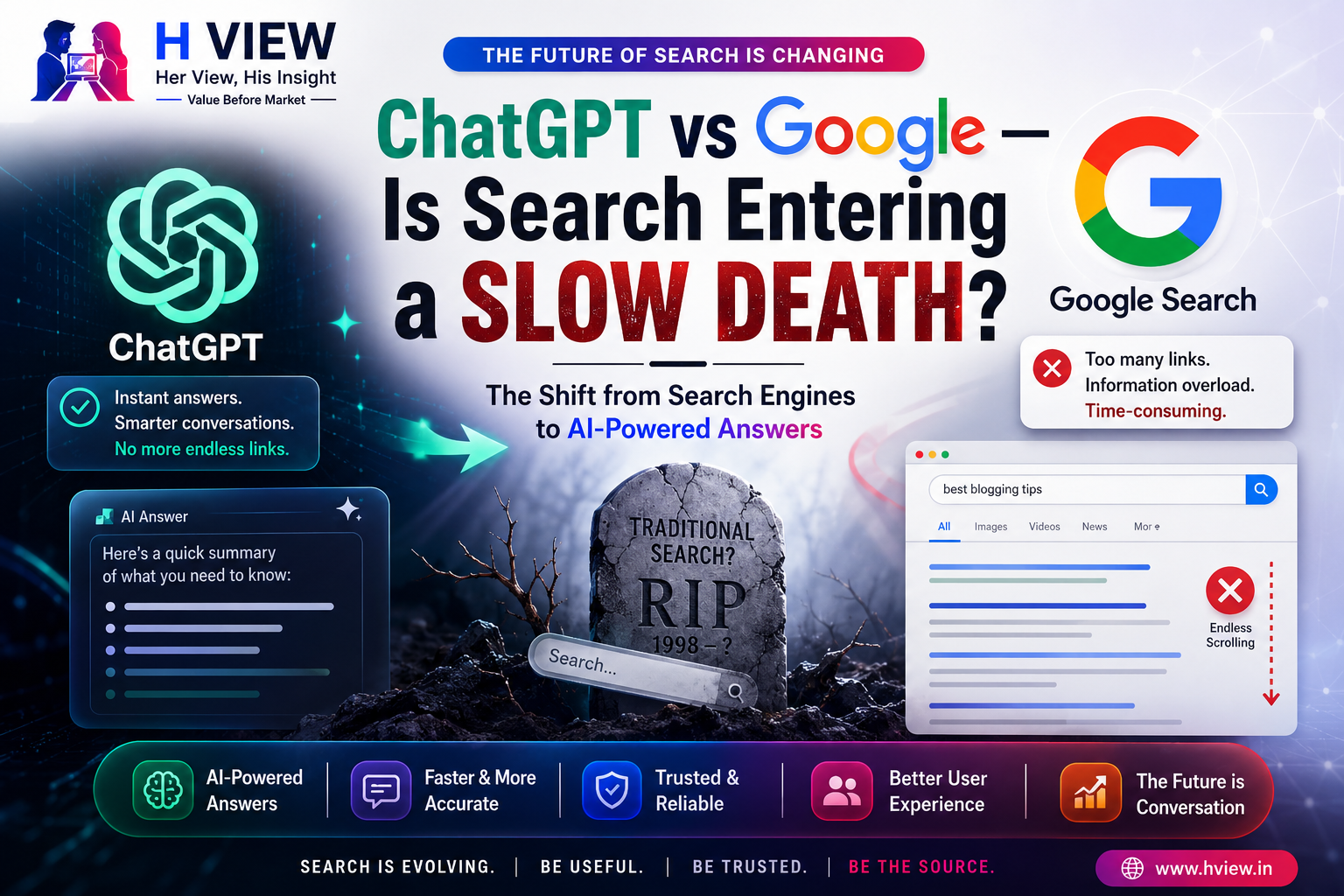
ChatGPT and Google both help people find information, but they work differently. Google Search organizes links and other search features so you can explore pages, compare sources, and act on results. ChatGPT can respond conversationally and, when web search is used, include links to sources. That makes the choice less like “one will kill the other” and more like choosing the right starting point for a task.
What is the difference between ChatGPT and Google Search?
A traditional search query usually returns a results page: links, snippets, maps, images, videos, shopping results, and other formats depending on the query. You decide which pages to open and how to weigh them. Google is also adding AI experiences, including AI Overviews and AI Mode, so modern Google Search is no longer simply a list of blue links.
ChatGPT is a conversational assistant. It can explain a concept, help refine a question, summarize material, or work through a task in several turns. When its web search is used, it can provide current information and links. Its answer is still a synthesis: the reader should open important sources and check that they support the specific claim.
Which one should you use for the task?
Use a conversational assistant when you need a first explanation, a way to brainstorm, or help turning a broad question into smaller ones. Use search when you need to find a particular site, compare several independent sources, check a local business, inspect product listings, or reach an official form. These are practical starting points, not strict rules: both products overlap and change over time.
- Learn a new topic: ask ChatGPT for a plain-language overview, then use Search to find primary sources, specialist explanations, and differing views.
- Check a current rule, price, or deadline: go to the responsible organization’s site. Search can help locate it; an AI summary can help you understand it, but confirm the date and details on the official page.
- Choose a product or service: search for current specifications, availability, and independent reviews. Ask an assistant to help build a comparison checklist, then verify each important entry with the seller or manufacturer.
- Find a local place or complete an action: use map and search tools for location, hours, contact information, and booking links. Check directly with the business before relying on time-sensitive details.
- Draft or organize your own work: an assistant can help outline or revise, but you remain responsible for factual accuracy, originality, privacy, and the final judgment.
Why source checking still matters
A fluent answer can sound settled even when the question is ambiguous, the evidence is incomplete, or a source has changed. A citation is a useful route to evidence, not proof by itself. Open the source, check its author and date, and look for the exact passage or data behind the claim. For health, legal, financial, and safety decisions, consult an appropriate qualified professional or authoritative agency.
OpenAI’s help article explains how ChatGPT web search can return current information with source links. Google’s Search Central guidance says its generative search features build on core Search systems and emphasizes helpful, original content. Those are descriptions from the companies that make the products, so they explain product behavior and guidance rather than independently proving which service is more accurate or better for every user.
What changes for publishers and website owners?
AI summaries and conversational answers can change how people discover pages, while search results continue to evolve. Google has described updates that surface source links and firsthand perspectives in its AI Search experiences. The long-term effect on visits will vary by topic, query, and product design; a single announcement cannot predict traffic for an individual site.
For publishers, the useful response is to make each page worth opening. Add first-hand testing where a review claims experience. Show how a comparison was made. Link to original documents for factual claims. Explain limitations, dates, and who the advice is for. Avoid publishing many near-identical pages that repeat information available everywhere. Google’s own guidance stresses useful, distinctive material rather than special “AI search” tricks.
For more on this site’s related topics, see our guides to AI search and useful publishing practices, using ChatGPT with practical examples, what ChatGPT can and cannot do, and diagnosing website visibility in Google.
A simple way to use both
- Write down the decision or question you actually need to resolve.
- Use ChatGPT to clarify terms, map the options, or draft questions to investigate.
- Search for the original sources, current information, and credible alternative viewpoints.
- Open the sources and verify key facts, dates, and context.
- Make the decision yourself, especially when it affects money, health, rights, or safety.
Her View
A conversational answer can make a difficult subject feel approachable. I would use it as a patient explainer, then follow the sources when an answer matters. Convenience helps most when it gives us a clearer next step, not when it asks us to stop asking questions.
His Insight
Search and AI assistants are converging in some features, but the habit that protects a reader remains the same: check where important claims came from. A list of links and a generated summary are both interfaces to information. Neither removes the need to judge evidence.
H View perspective
ChatGPT can help you think through a question; Google Search can help you locate pages and services; both may offer generated summaries and links. The practical choice depends on the job in front of you. Start with whichever tool makes progress easier, then verify consequential claims against the source that owns the information.
Sources and further reading
- OpenAI Help Center: Searching the web with ChatGPT (product documentation; accessed October 2026).
- Google Search Central: Optimizing your website for generative AI features on Google Search (Google’s publisher guidance; accessed October 2026).
- Google: New ways to find your favorite sources and original content in AI Search (May 27, 2026; product announcement).